Keep Scam SAFE
NSA’s Keep Scam SAFE campaign helps older Australians stay informed, confident, and protected online


Boost Your Digital Skills Today
Increase your digital confidence and online safety with Be Connected courses.
Access easy online lessons or join community classes supported by National Seniors Australia. Through some of our branches, we are providing practical assistance to complete Be Connected courses and information sessions.
The Be Connected initiative is dedicated to enhancing the confidence, digital literacy, and online safety of older Australians. Whether you're looking to learn new skills or explore a new topic, this program offers access to free learning resources, available both online and through local community organisations. There are community centres and organisations across Australia, hosting in-person computer classes, providing hands-on guidance, and support.
Bank safely online
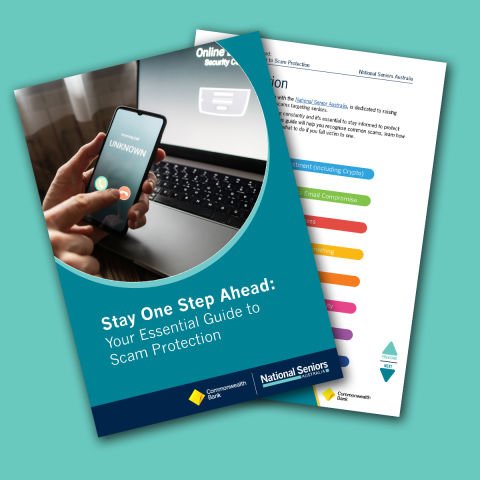
In partnership with CommBank, National Seniors Australia provides informative workshops, resources, and support to help you understand ways you can protect yourself online.
Stay across the many different types of common scams.
Click below to view our scam awareness resources, including a handy downloadable e-Guide provided by Commbank.
Cyber safety videos
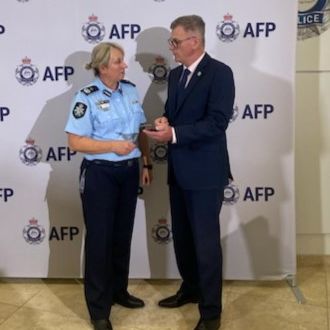
National Seniors Australia has access to a selection of short cyber safety instructional videos created by the Australian Federal Police.
These videos provide in-depth insights into shopping scams, phishing, malicious software and malware, business email compromise, botnets, keyloggers, viruses and worms, money muling, and remote access scams.
Dodgy investments list
If it's on the list, don't take the risk!
If someone contacts you to offer an investment opportunity, or you find a suspicious website, be wary. It could be a scam. This investor alert list by Moneysmart can help you know which companies, businesses and websites (or ‘entities’) are not to be trusted.
Don't lose your hard-earned money to an investment scam!

If you interact with a suspicious email, you should change passwords and enable MFA immediately to Keep Scam SAFE.
A password manager can make it easy to manage your passwords and keep them safe. It’s a tool that securely stores, creates, and organises your passwords. You only need to remember one main password to use it, so you don’t have to worry about remembering every single password.

Should you trust your loved ones?
If you receive an urgent phone call from someone who sounds like a family member, a scammer could be using technology called voice cloning to deceive you.
Alternatively, you might get an emergency email or text asking for money from someone claiming to be a family member.
Ask them a question that only that family member would know the answer to.
And Keep Scam SAFE!
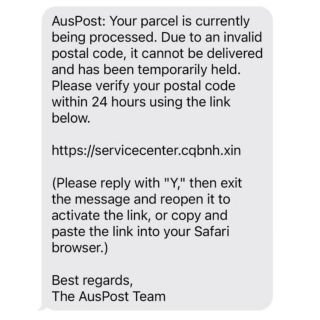
The bad guys love a good parcel delivery scam.
Australia Post will NEVER ask for personal or financial information or request payment via text, email, or call.
Avoid clicking on suspicious parcel delivery links. Always check parcel tracking directly on the official website. Don’t share personal or financial information with anyone contacting you unexpectedly.
Report suspicious messages to ScamWatch.
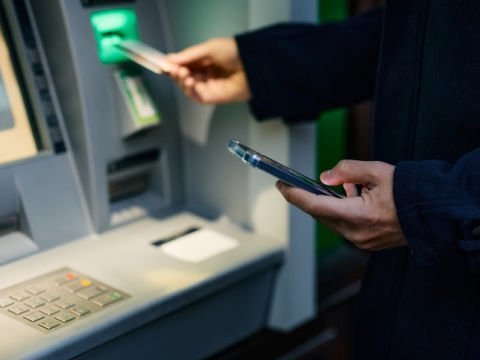
Never give your credit card to anyone who comes to your door.
Banks will never require you to hand over your credit card to someone outside of a branch.
Credit card scams are a huge area of concern, but statistics reveal those 65+ are less likely to fall victim, possibly due to cash preference. But evidence of declining bank owned ATMs and cash withdrawals affirm the need to stay scam aware.
Australian banks are rolling out Confirmation of Payee (CoP) – a smart, industry-wide security feature developed by Australian Payments Plus (AP+) to tackle scam threats and reduce mistaken payments
Here’s how CoP works:
- First-Time Payments Only: When you enter a BSB, account number, and account name, CoP checks the details against the recipient’s bank records.
- Match Found: The account name is displayed for confirmation.
- Close Match: You’ll see a suggestion (e.g., “John Smyth” vs. “John Smith”) to confirm if it’s correct.
- No Match: A warning will appear, and the account name won’t be shown (to protect privacy).
With this information, you’re in control – setup the payment, double-check the details, and cancel if there are concerns or proceed if it checks out!
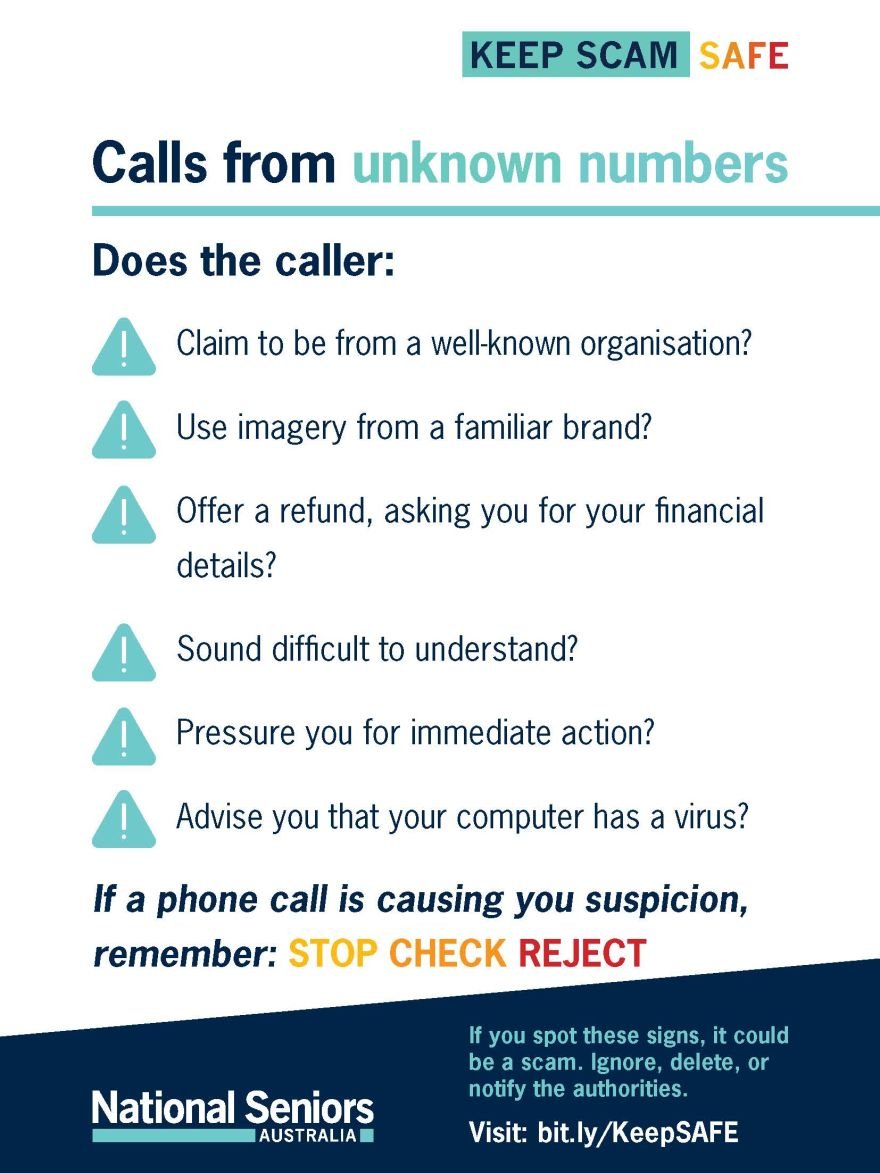
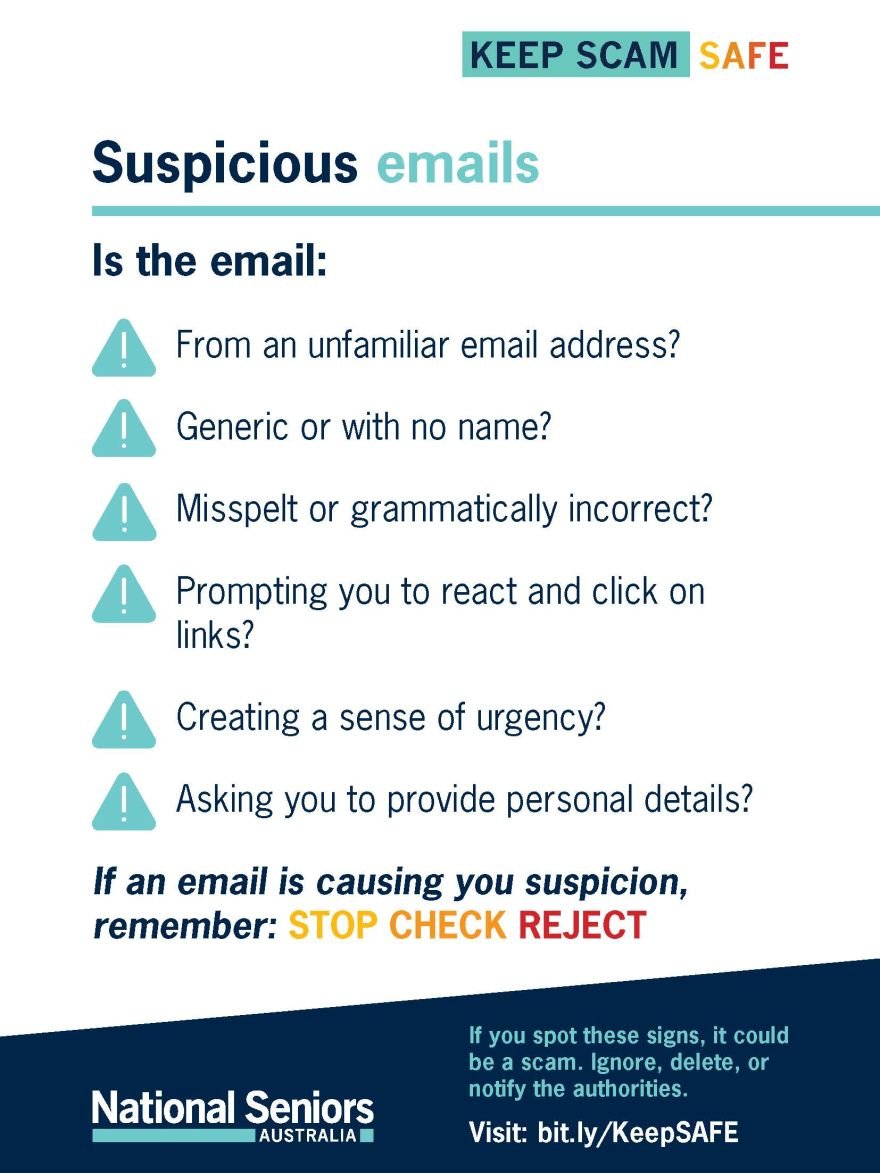
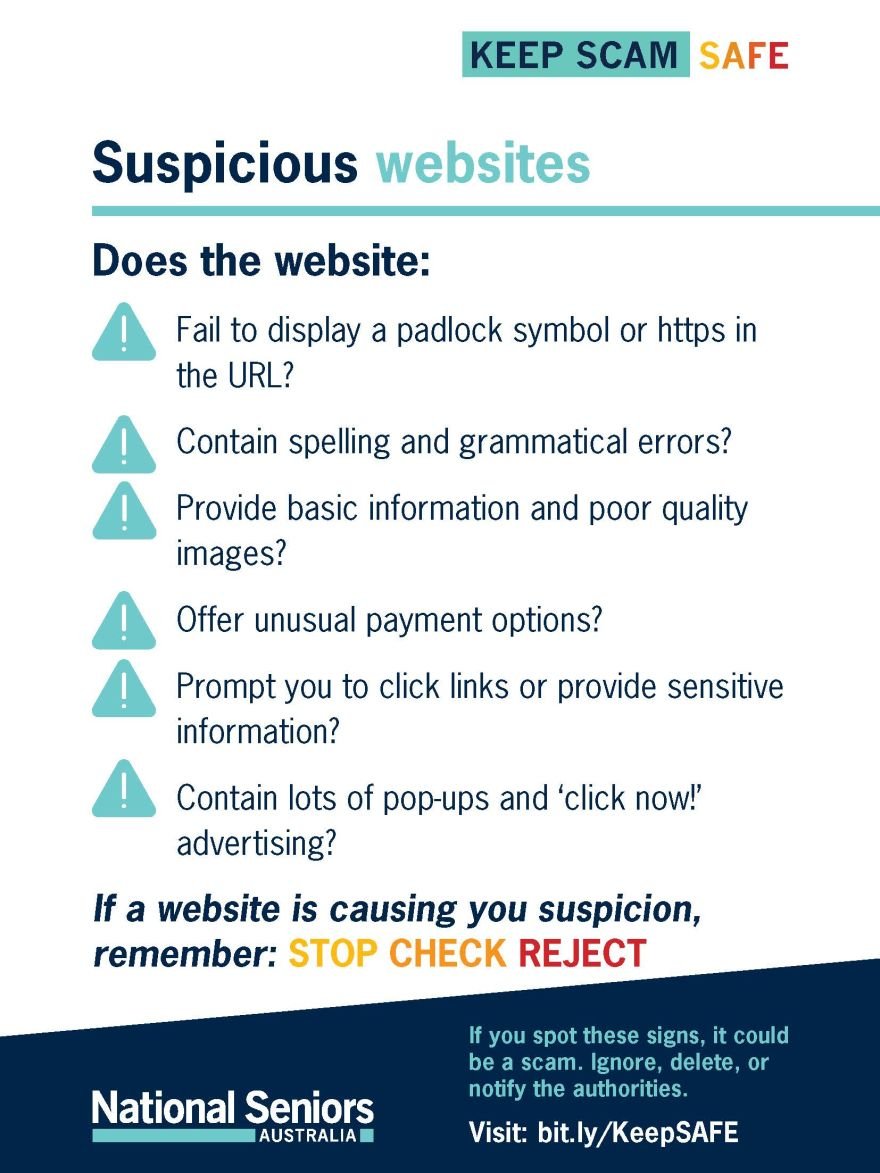
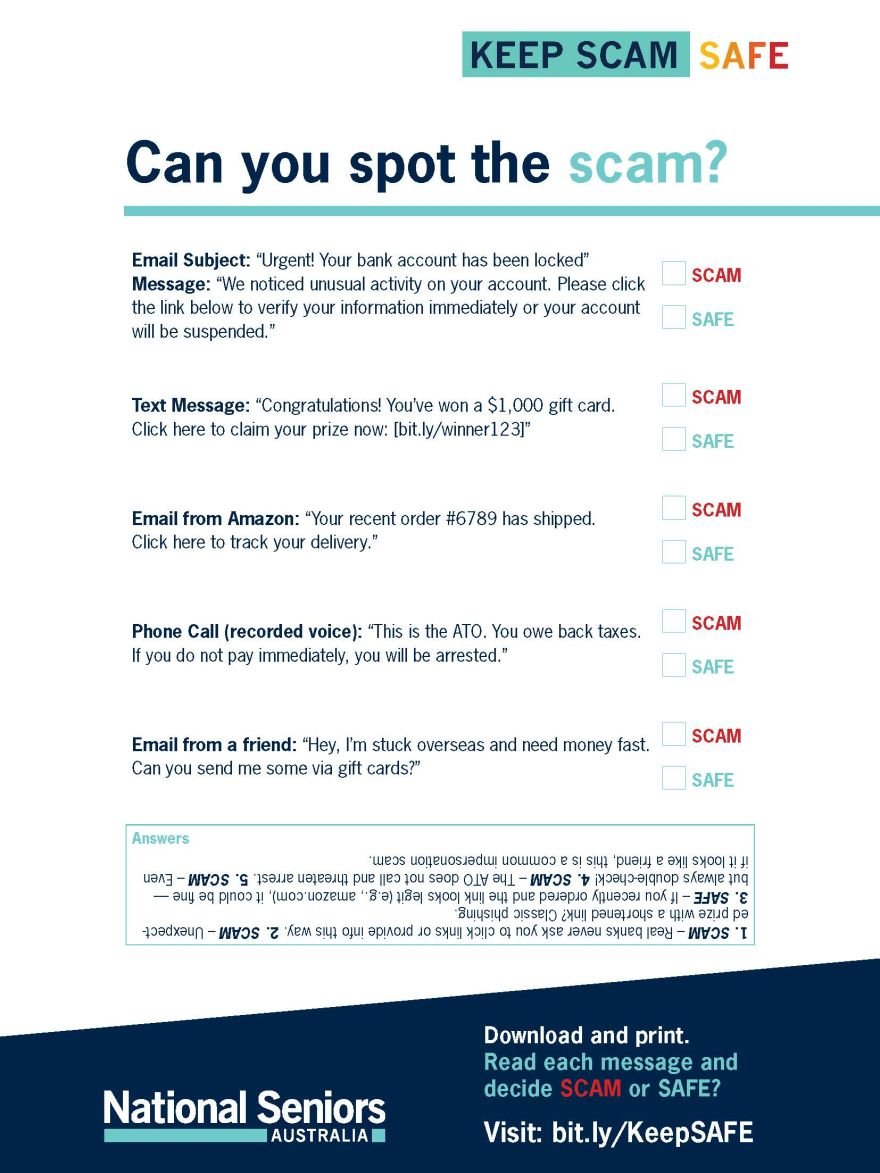
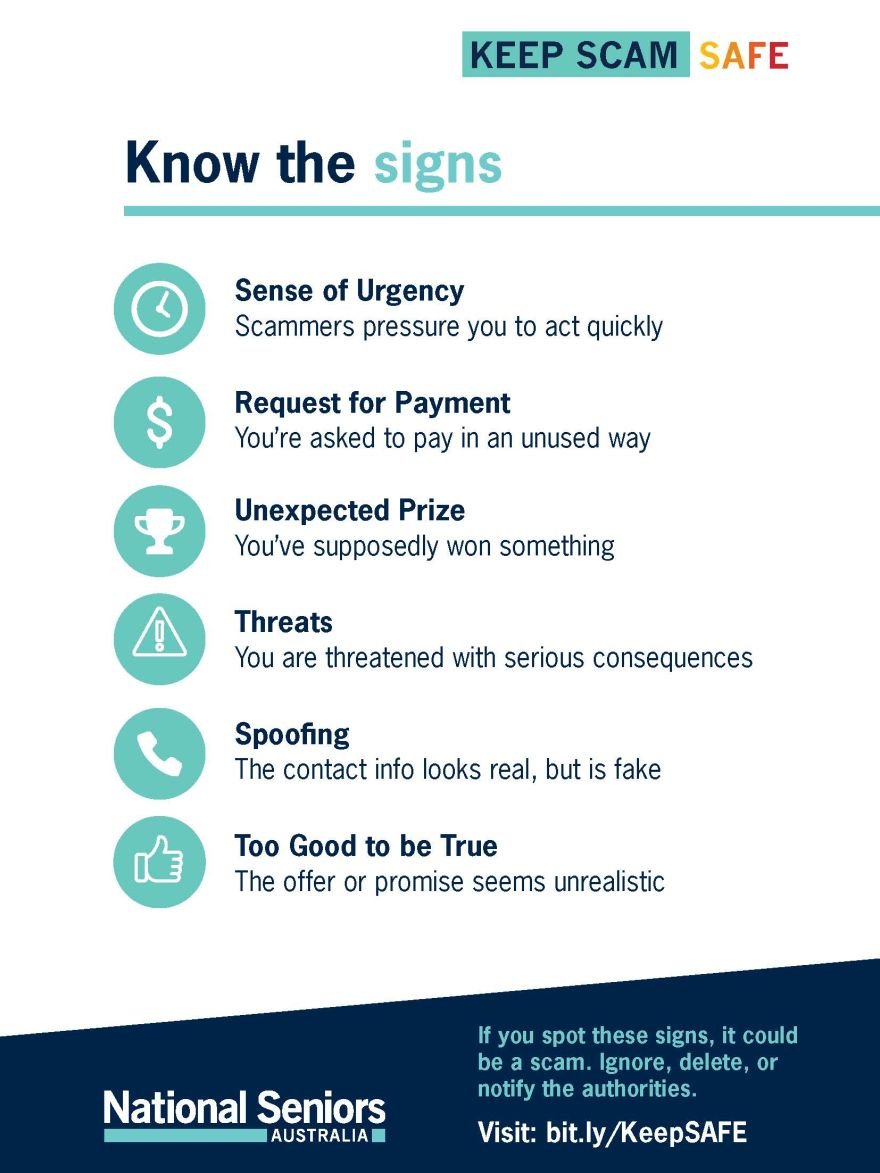
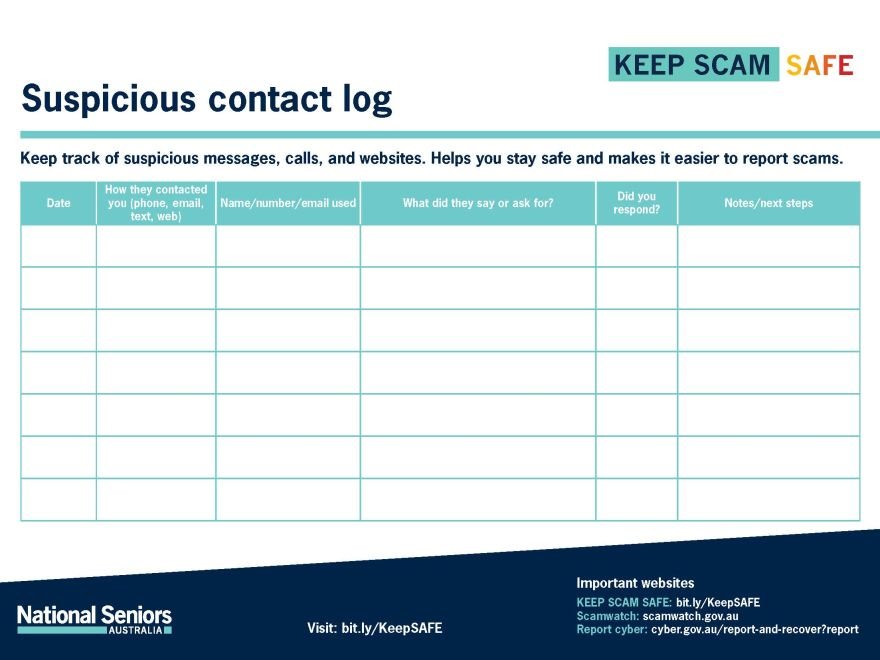
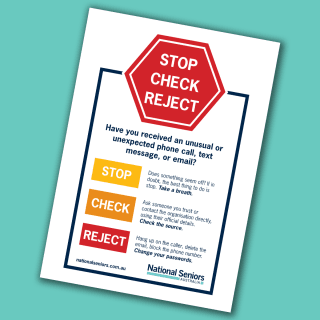
Emails which demand a missing payment or alert you to take action often feature exclamation marks, capital letters, threatening words, and prompts to ‘click immediately’ and ‘act now’. These emails are becoming increasingly elaborate and can often look like the ‘real deal’. Phone call and text message scams are just as elaborate and it can be frightening to receive one. If you receive an email, phone call, or text message that you are unsure of, Stop, Check, and Reject.
Click below to download our handy eye-catching STOP | CHECK | REJECT resource that you can chose to print, laminate, and stick to your fridge, wall, door, corkboard, or computer for a quick reference. It could save you from an unwanted situation.